
Document Management: Finding Everything a Change Affects
Updating one policy can leave related answers, summaries and attachments quietly out of date. This article explains how a single change ripples through a response library and how to find every item that depends on it.
By EA Team
Contents
- Why dependencies stay hidden
- Mapping the chain
- Sorting dependants by type
- How EA shows what a change touches
- Recording what changed and why
- Assigning the dependants before the approval closes
- Keeping the dependency list current
- Recording how the source was reviewed
- Telling the people who use the source
- A practical ripple check
- Where this leaves your dependencies
A sustainability team updates its supplier code of conduct to add a new human-rights due-diligence step. The code is approved, uploaded and announced internally. The team considers the job done. Three weeks later, a bid response describes the old process, a short summary on the website still refers to the earlier wording, and a supplier onboarding pack attaches a PDF of the previous version. None of these were updated, because nobody had listed them as dependencies.
The team did the core task well. The gap was in the map of what the policy touches.
This article explains why dependencies stay hidden, how to map the chain of content that a policy feeds, and how to sort those dependants so the urgent ones are handled first. It also shows where EA keeps the link between an answer and its source, so the map is easier to build and easier to trust.
Why dependencies stay hidden
A policy's influence is spread across the business. The procurement team uses it in tender answers. The sales team quotes it in proposals. The marketing team summarises it for the website. The operations team attaches it to supplier packs. Each use was created at a different time, by a different person, and each one copies the wording and does not link to it.
Copied content does not announce its source. When the original changes, the copies stay as they were, and they look just as authoritative. The reader has no signal that the text is out of date.
Mapping the chain
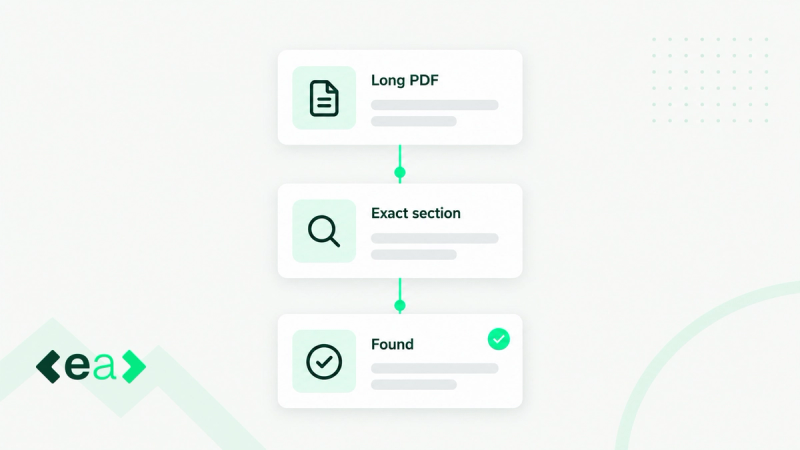
Before a policy changes, list the places it is used. Search the answer library for the title, the key clauses and the distinctive phrases. Good document management starts with knowing where a source is quoted, and the search is the quickest way to find out. Check the attachment lists in proposals and onboarding packs. Ask the owners of the website copy and sales collateral which summaries draw on the policy.
The map does not need to be perfect on the first attempt. It needs to be better than the team's memory, and it should be kept in a list that the next change can use.
Sorting dependants by type
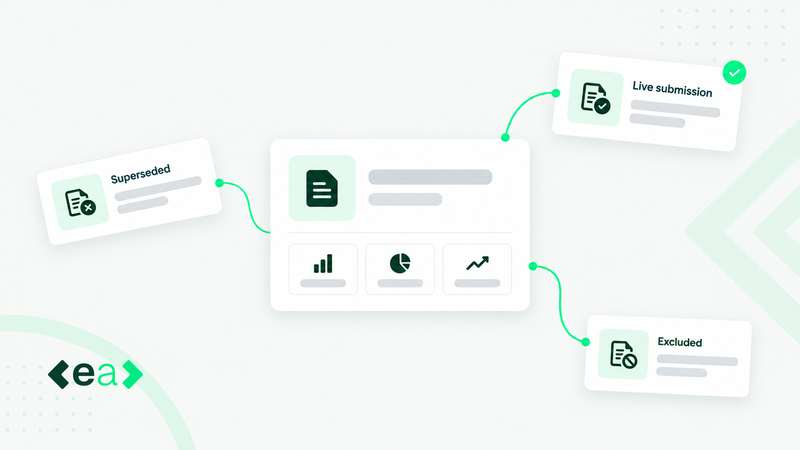
Not every dependant needs the same action. An answer that quotes the policy directly needs its wording checked. A summary that paraphrases the policy needs a judgement about whether the change matters to the summary. An attachment needs replacing with the new version. A piece of marketing copy may need a short revision, or may wait until the next scheduled update if the change does not affect the claim.
Sorting the list into these groups lets the team act in a sensible order. Live bids and buyer-facing attachments come first, because those are where an outdated statement carries the most risk.
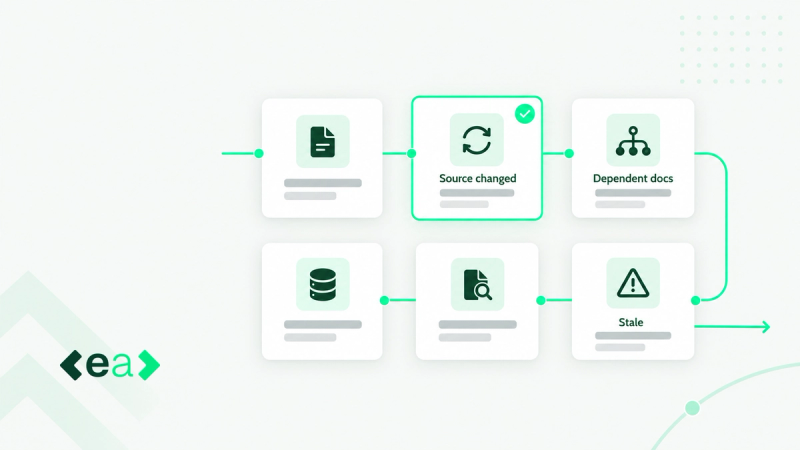
How EA shows what a change touches
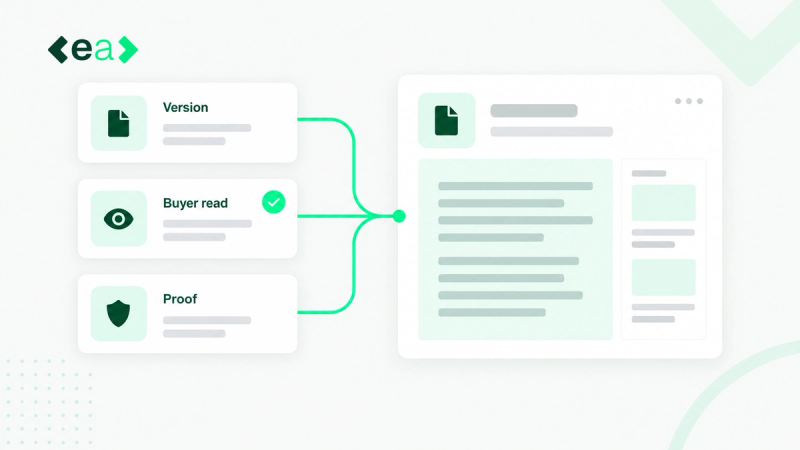
EA answers from approved documents and shows its sources, so an answer that relies on a policy carries that link visibly. That makes the dependant list easier to build, because the team can see which answers cite the source and does not have to search for the wording. Autofill completes questionnaires from approved evidence with citations, so answers drafted from the new policy point to the new version. Answers carry statuses, named reviewers and approvers, and version history, so each dependant can be assigned, checked and recorded.
EA does not decide whether a website summary or a sales slide needs revising. Those judgements depend on what the change means for the claim, and they belong with the people who own the content. EA helps with the part that is easy to miss: making sure the answers that depend on the source are visible and owned. Our article on keeping EcoVadis scorecard gaps assigned to actions covers how to turn a list of gaps into owned tasks, and the same discipline applies to a dependency list.
Recording what changed and why
For each dependant, record the change made, the reviewer and the date. If an item was reviewed and left unchanged, record that too. The record shows that the policy change was checked against every use, which matters if a buyer later asks why a summary and an answer seem to differ.
Assigning the dependants before the approval closes
The approval of a source should not close until every dependant has an owner. A policy approver can confirm this in a single step by checking that each answer, summary and attachment on the list has a named person beside it. Where a dependant cannot be assigned, the approver should record why, so the gap is known and not forgotten.
Keeping the dependency list current
A dependency list goes stale the same way a link does, and document management is largely the discipline of keeping such lists alive. Revisit it after each policy approval, and again each quarter for the policies that buyers request most. Each review should check that the owners are still in post, that the dependants are still in use and that no new answer, summary or attachment has started to rely on the source.
Make the list part of the approval record for each policy. A short line naming the dependants and their owners turns the check into a routine step, which is far more reliable than trying to remember the dependencies when a change is already under way.
Recording how the source was reviewed
A dependency list shows what a change touches. It does not show whether the source itself was reviewed properly before it changed. Keep a short record of the review for each policy: who checked it, what they checked against and the date. Our article on keeping EcoVadis evidence reviewed and recorded describes that review habit in more detail, and it fits alongside a dependency check, because a dependant is only as current as the source it cites.
Telling the people who use the source
A dependency list is only useful if the people who rely on the source know it has changed. When a policy is approved, send a short note to the teams that use it: what changed, the effective date and which of their answers or attachments are affected. A note of four lines reaches people who would never open the policy folder, and it turns a silent change into a known one.
Keep the note short enough to read. A summary of the change, the date and the list of affected items is enough for most readers. The detail belongs in the dependency list, where the owners can work through it.
A practical ripple check
After any policy approval, run a check across the answer library, the attachment lists and the public copy. Record every dependant with its owner and its type. Set a deadline for each group, starting with live bids.
Include a line in the policy's approval record that names the dependants and the owners. That line makes the ripple check part of the approval, and not something remembered later.
Where this leaves your dependencies
A single policy change is rarely a single edit. The answers, summaries and attachments that depend on it all need attention, and the risk lies in the ones nobody listed. Mapping the chain, sorting dependants by type and recording each change keeps the whole body of content consistent. EA helps by keeping the source visible behind each answer, with its status, approvers and history, so the dependants are easier to find and to own.
Pick the policy your team changed most recently and list every answer, attachment and summary that cites it. Assign an owner to each item. To see how an answer shows its source and history, open a policy-linked answer in EA and review its record.
Filed under RFPs, Tenders & Questionnaires, 26 November 2026All posts