The last days before an EcoVadis submission are often a blur of files. Someone asks whether the ethics policy was checked. Someone else thought procurement had signed off the supplier code. The pack goes in because the deadline arrived, not because the review record is complete.
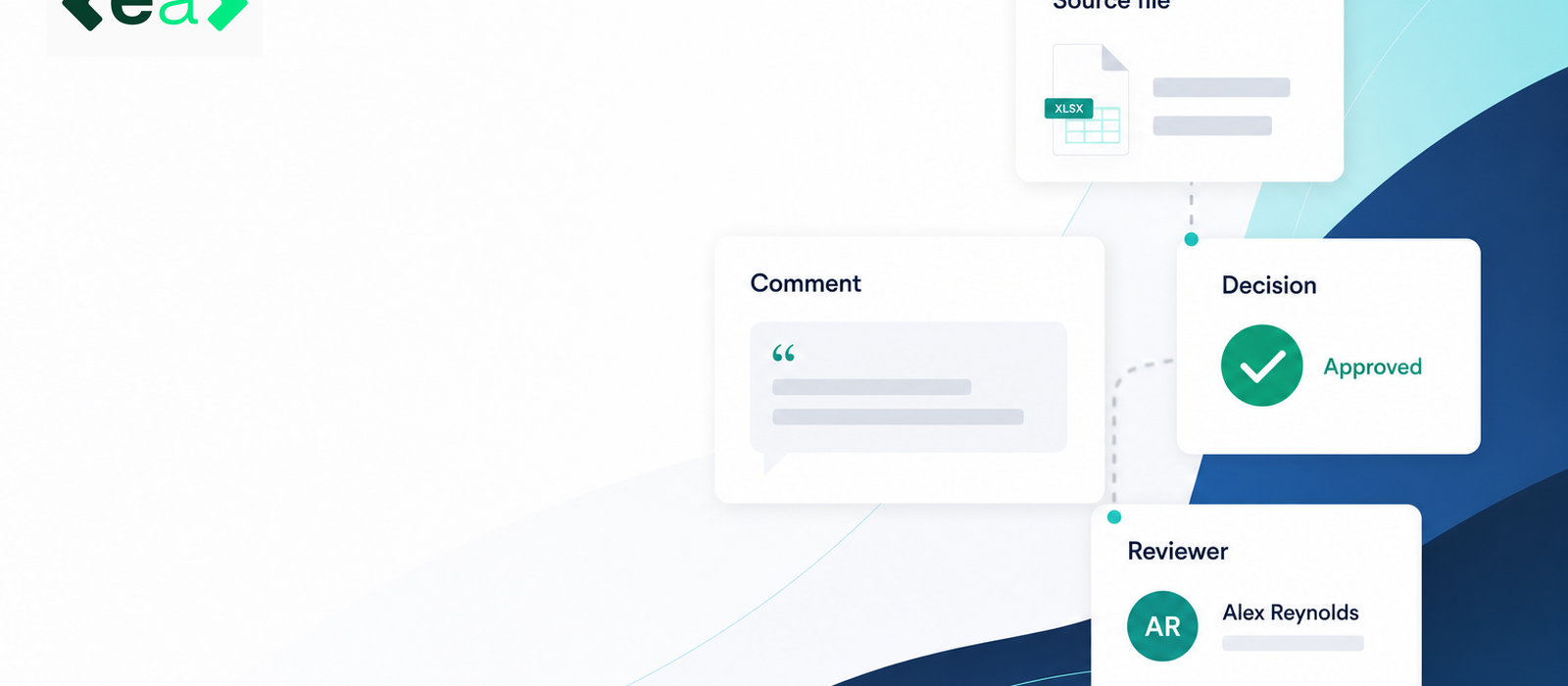
This article covers how EA holds that record in Autofill: citations so the source is named, comments so conditions stay on the item, named reviewers and approvers so the decision has a person, and answer status so “ready” means recorded rather than merely sitting in the pack. That is valuable because EcoVadis submission support can then export drafts and evidence that people have actually accepted.
EA drafts from the organisation’s own knowledge base and previously approved answers. People still review and approve. EA does not award a medal, guarantee a score or submit to EcoVadis.
Review needs a source, not only a tick
A tick next to “environment policy” does not say which document was opened. If two similar policies exist, the team needs to know which file the draft used.
EA attaches citations and supporting documents to each Autofill answer. Opening the answer panel shows the wording, the sources it drew on, and the documents behind it. Edits autosave as versions, so if the source later changes the team can see that an earlier approval applied to an earlier version.
Comments keep conditions attached to the item
Approvals are often conditional. Legal may accept a policy if a review date is added. Operations may confirm a metric if the reporting period is stated. Those conditions disappear if the only stored outcome is “approved”.
EA keeps comments on the same Autofill answer as the draft. The sustainability lead can complete the follow-up before export, or record that it will wait until the next cycle. If the same file is reused, the next person can see last year’s concern without hunting through email.
The condition travels with the item so follow-up is work on the answer rather than a message that never gets saved back.
The decision should have a name
Shared responsibility is how items slip through. Each key answer should have a named reviewer and a named approver for that cycle.
EA’s approval process is built into Autofill. Each answer can have reviewers and approvers assigned as two different jobs. An answer becomes Reviewed when every reviewer has finished, and Approved only when every assigned approver has approved. An answer with no approver assigned never approves itself. Approve & Next walks the form question by question without leaving the panel.
EA’s EcoVadis questionnaire workflow can assemble draft answers and supporting documents. The review record is the human layer on top. Automation can assemble the pack. People still accept it.
What this is worth to the team
Handled this way, EA does four things a deadline scramble will not — and each is already in Autofill, not a side process:
- It names the source. Citations and supporting documents sit on the answer.
- It keeps conditions on the item. Comments stay with the draft instead of in a side email.
- It names the decision. Reviewers and approvers are assigned; Approved is a recorded human step.
- It makes readiness visible. Unassigned, In review, Reviewed and Approved show what is actually cleared before export.
A practical minimum before export is therefore: the question; the cited source; the reviewer’s comment, if any; the decision; the named approver; and the time of the decision. EA holds those on the answer, people still accept the pack.
Would you like to see how EA supports EcoVadis drafting and review before submission? Book a demo or try EA for free.