

Mobile app for iPhone and iPad
Ask EA where you are.
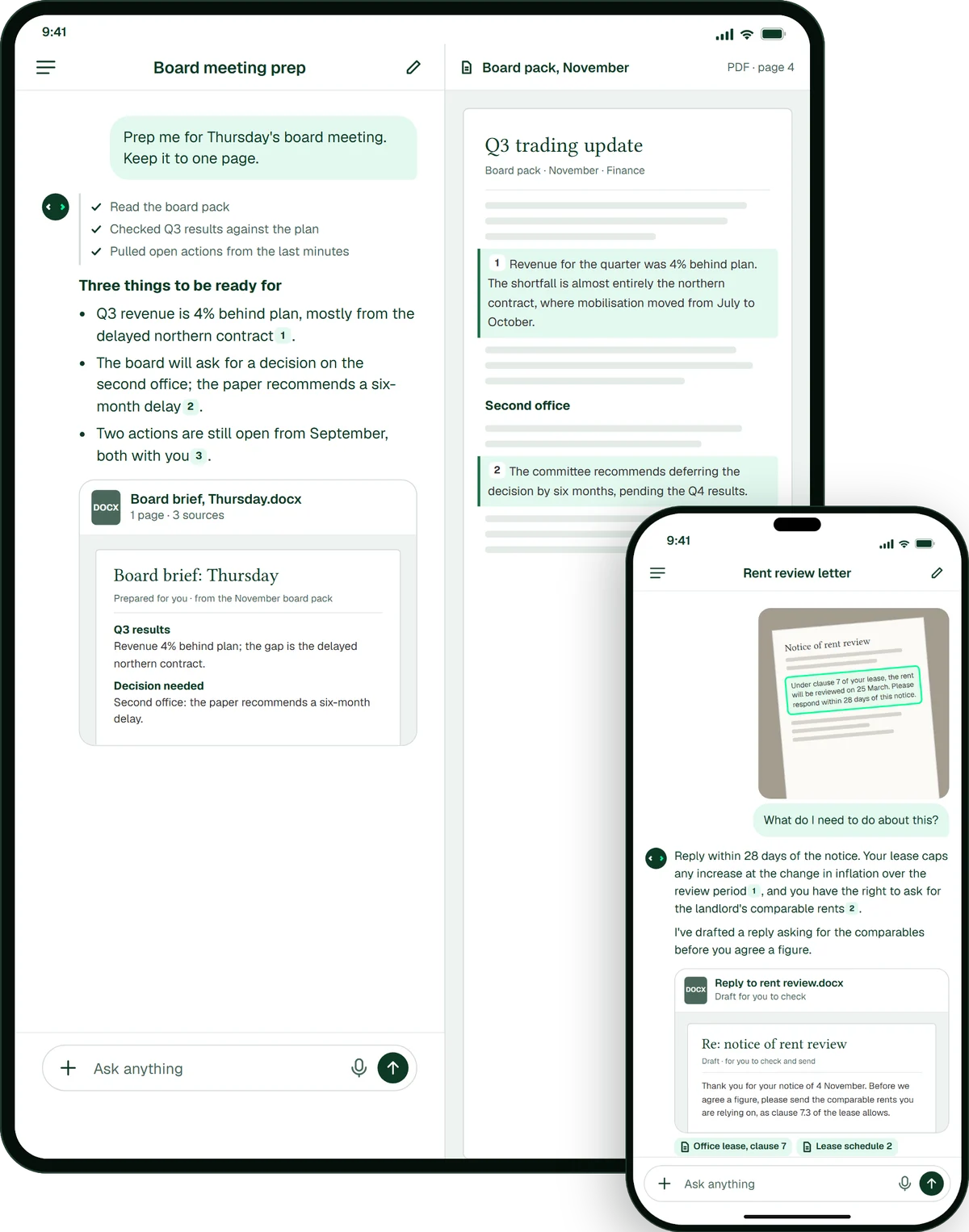
On iPhone and iPad, EA answers from your organisation’s own documents and shows where each fact came from. Take a photo of a printed page, share a file from another app or dictate a question, then pick the same conversation up on the web.
Try EA free. No card needed.


Organisations that run work on EA





What it’s good for
What will you ask EA on the move?
Eight things people hand EA from their phone. The screens are illustrative, with fictional names and data.
- Meeting prepAsk for the work. Get it back finished.A board brief, built from your own papers.
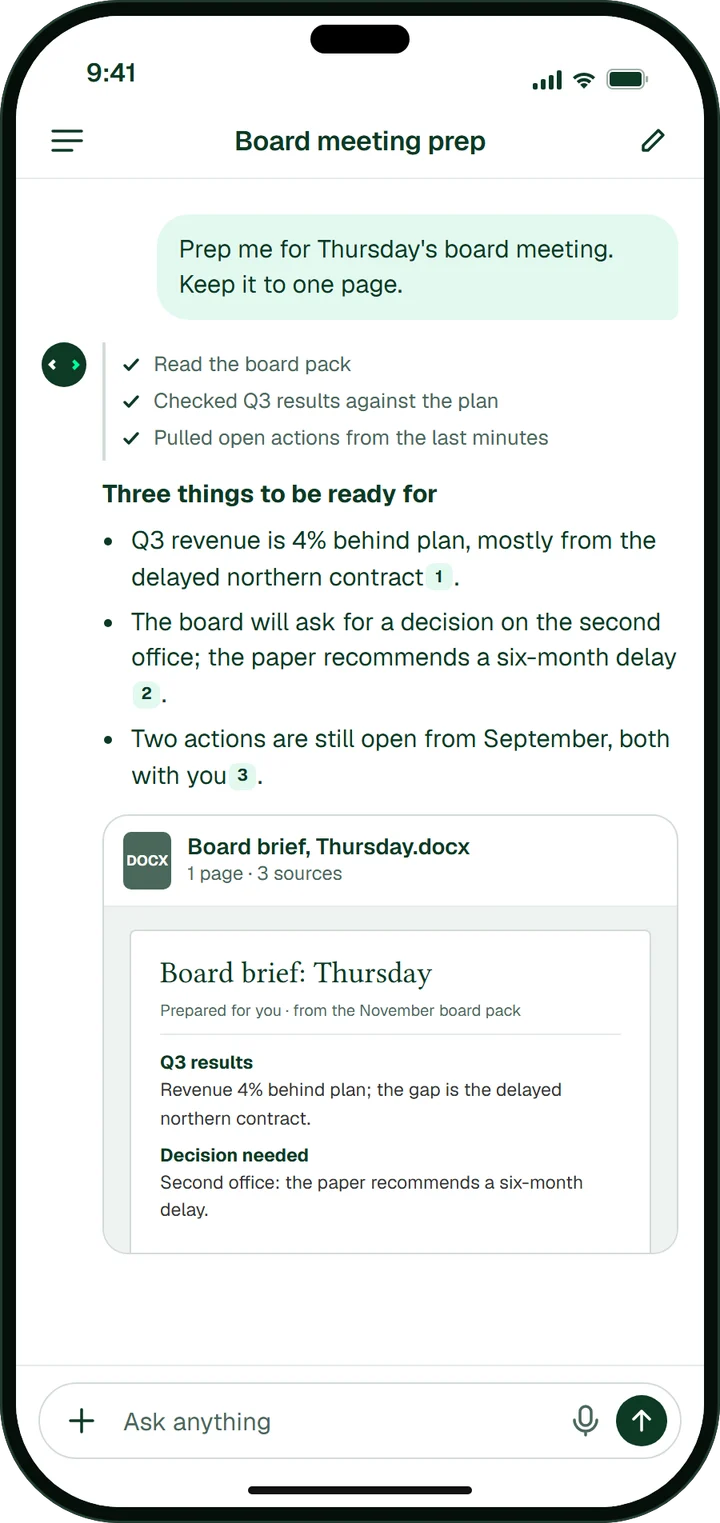
- Snap itSnap the page. EA answers it.A letter or a form, answered from your own files.
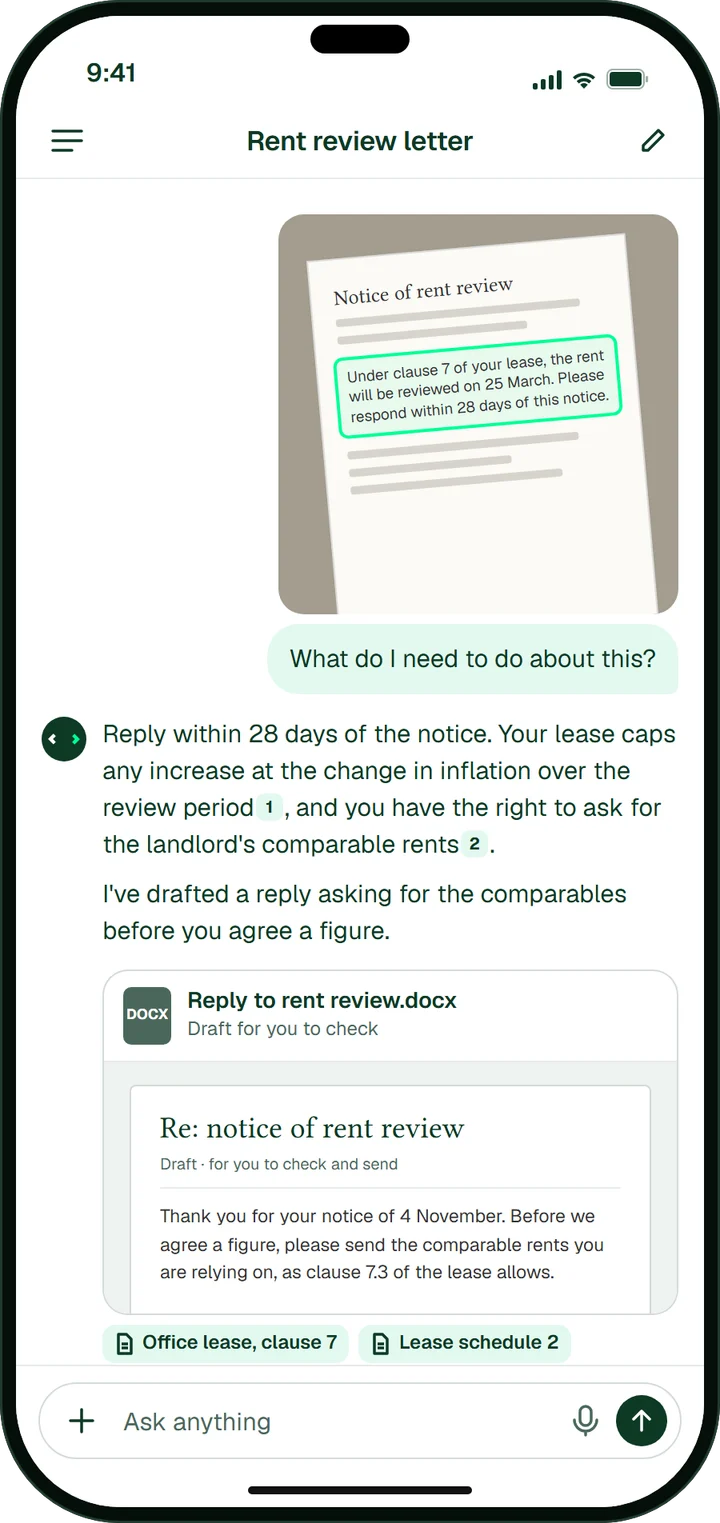
- ReportsNotes in. Finished report out.You check it. You send it.
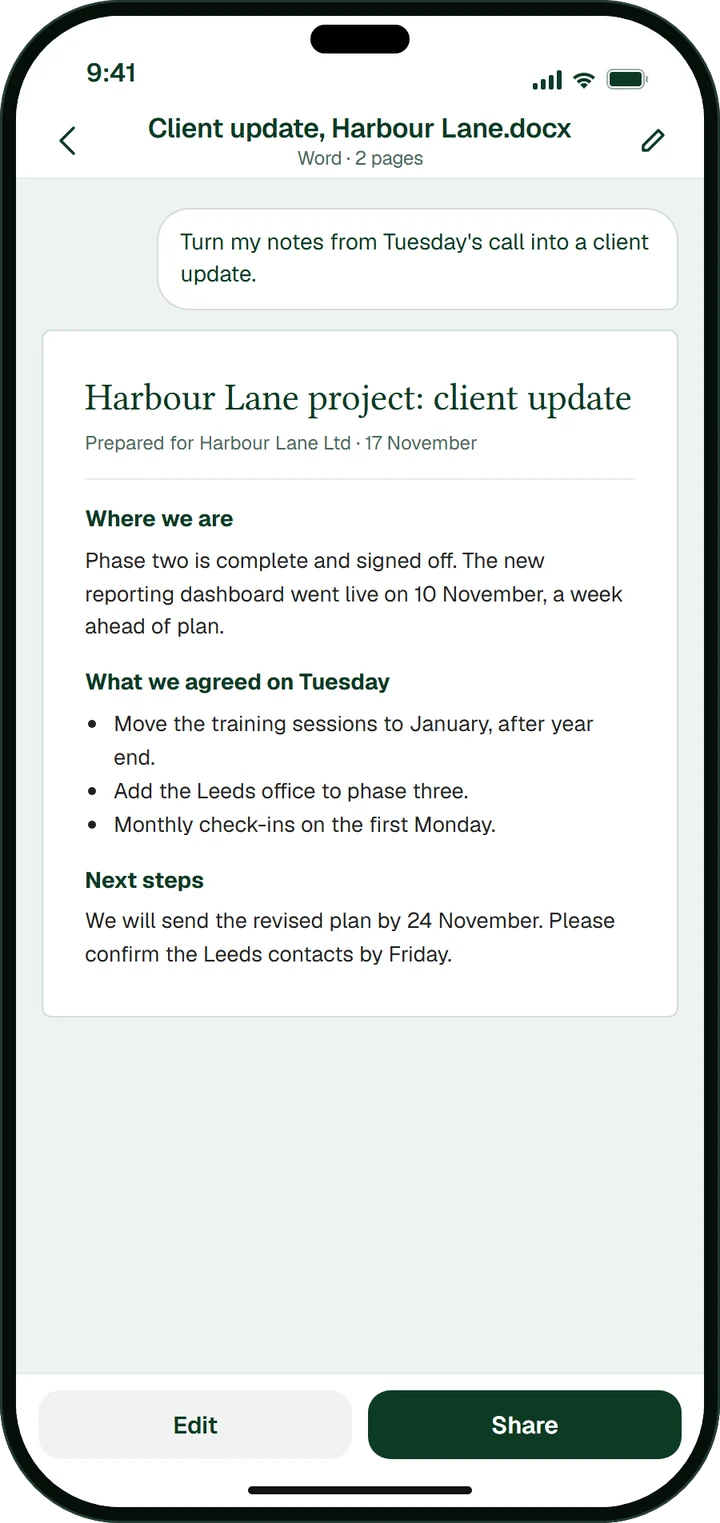
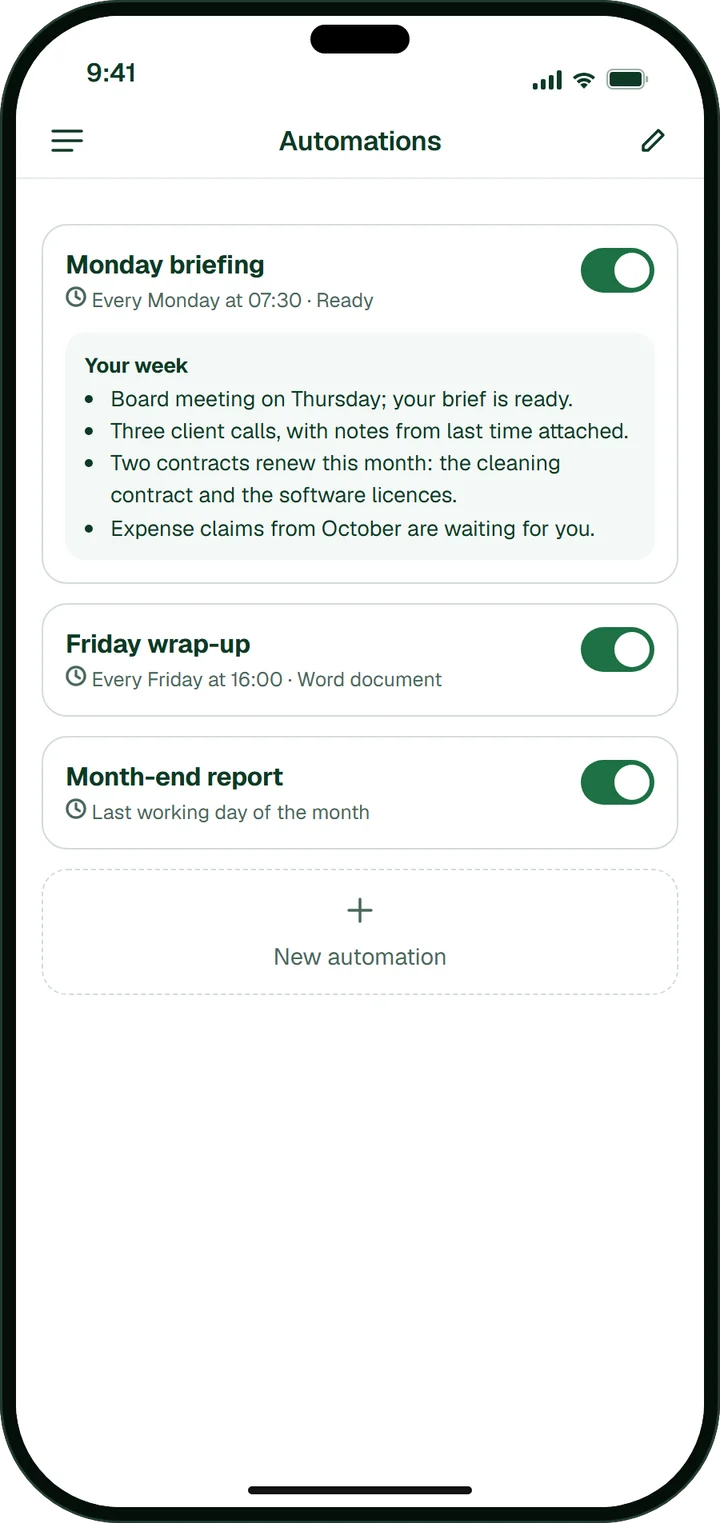
- AutomationsWork that runs while you’re out.Your Monday briefing, ready when you are.
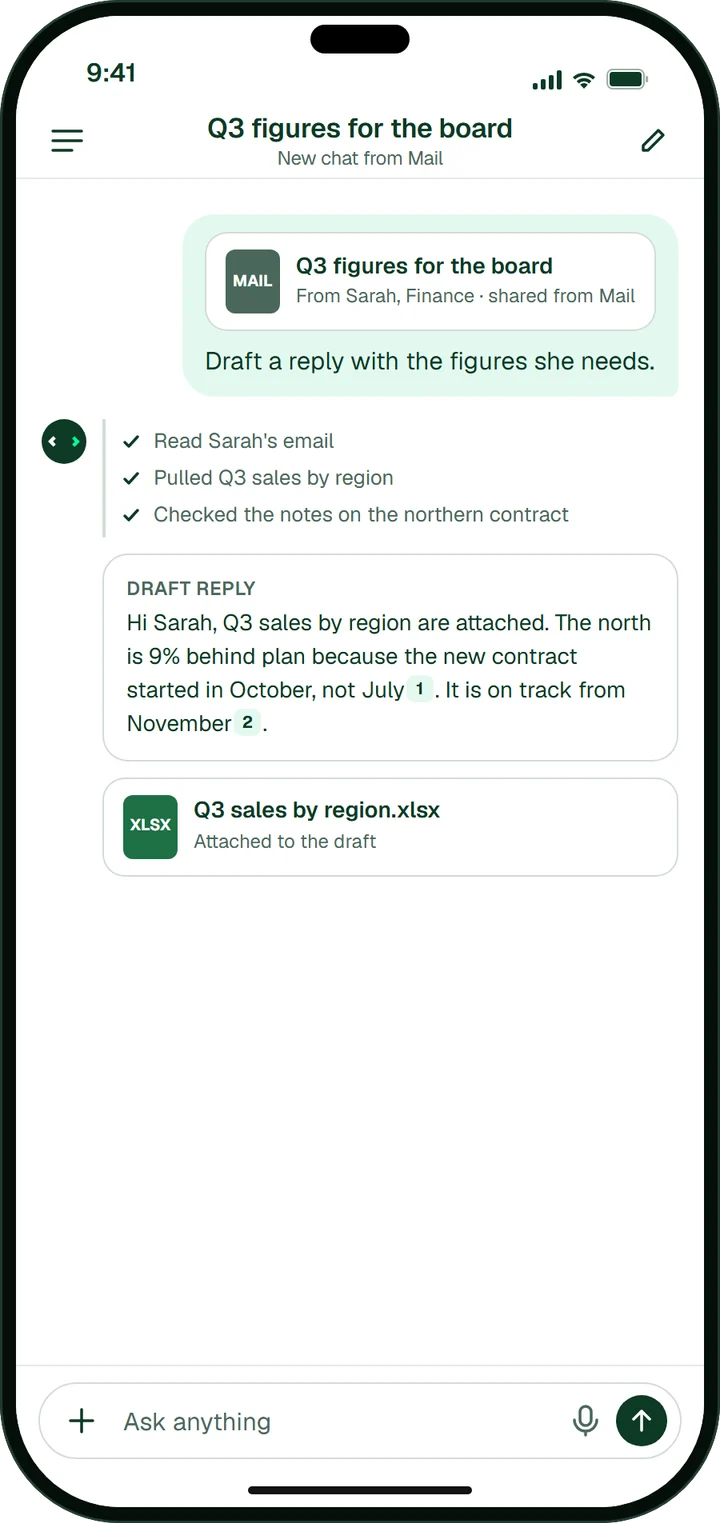
- Any appAsk EA from any app.Share an email or a file into a new chat.
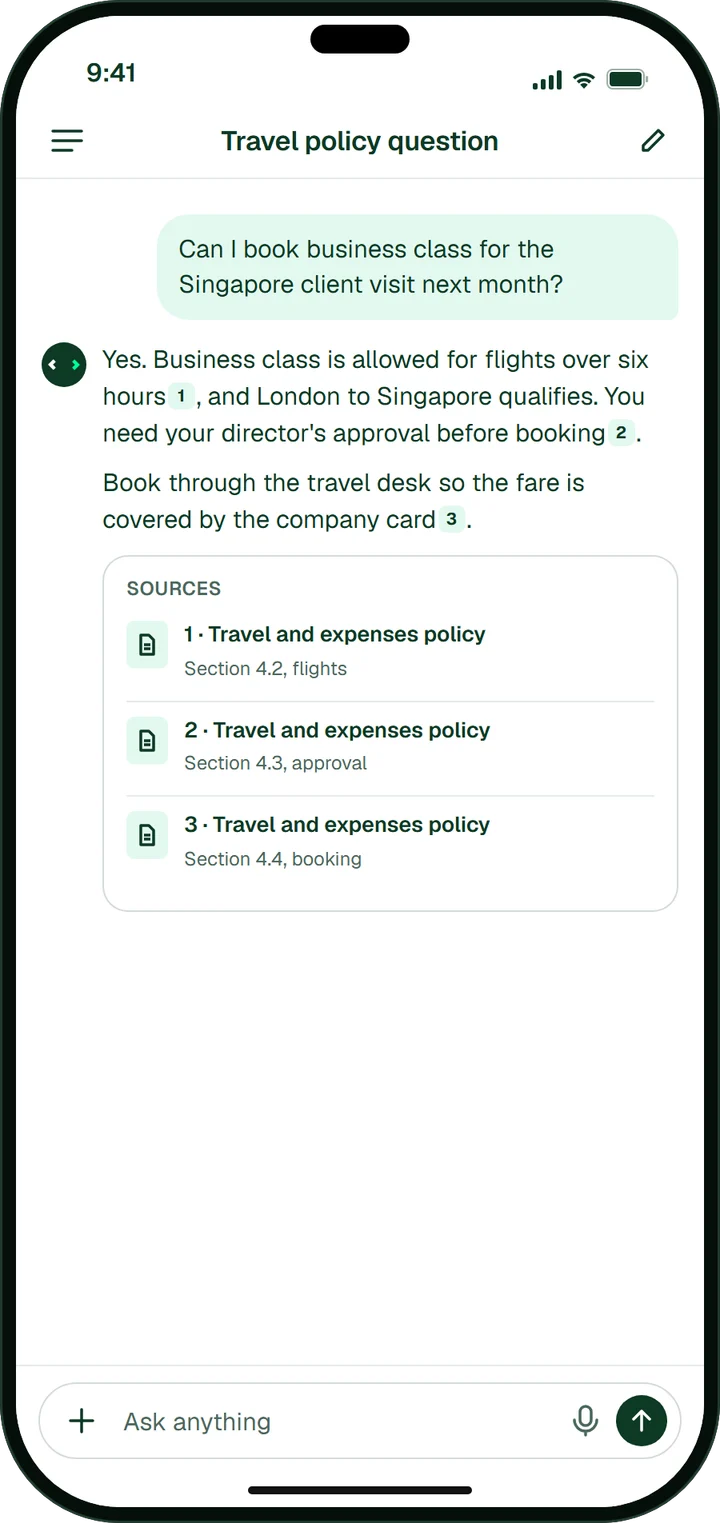
- SourcesAnswers that show where they came from.Tap a source to check the page.
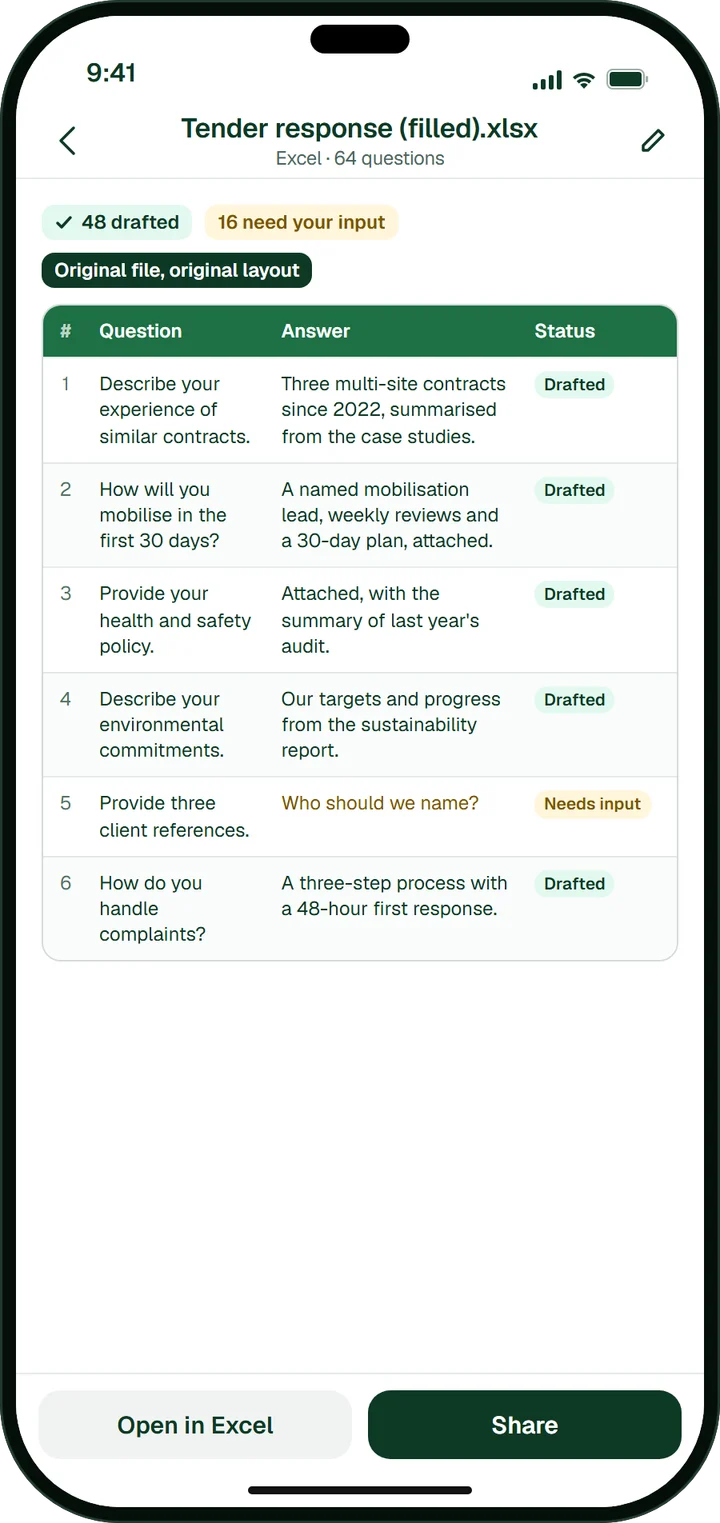
- The big jobsThe big jobs, done too.Tenders and questionnaires, in the original file.
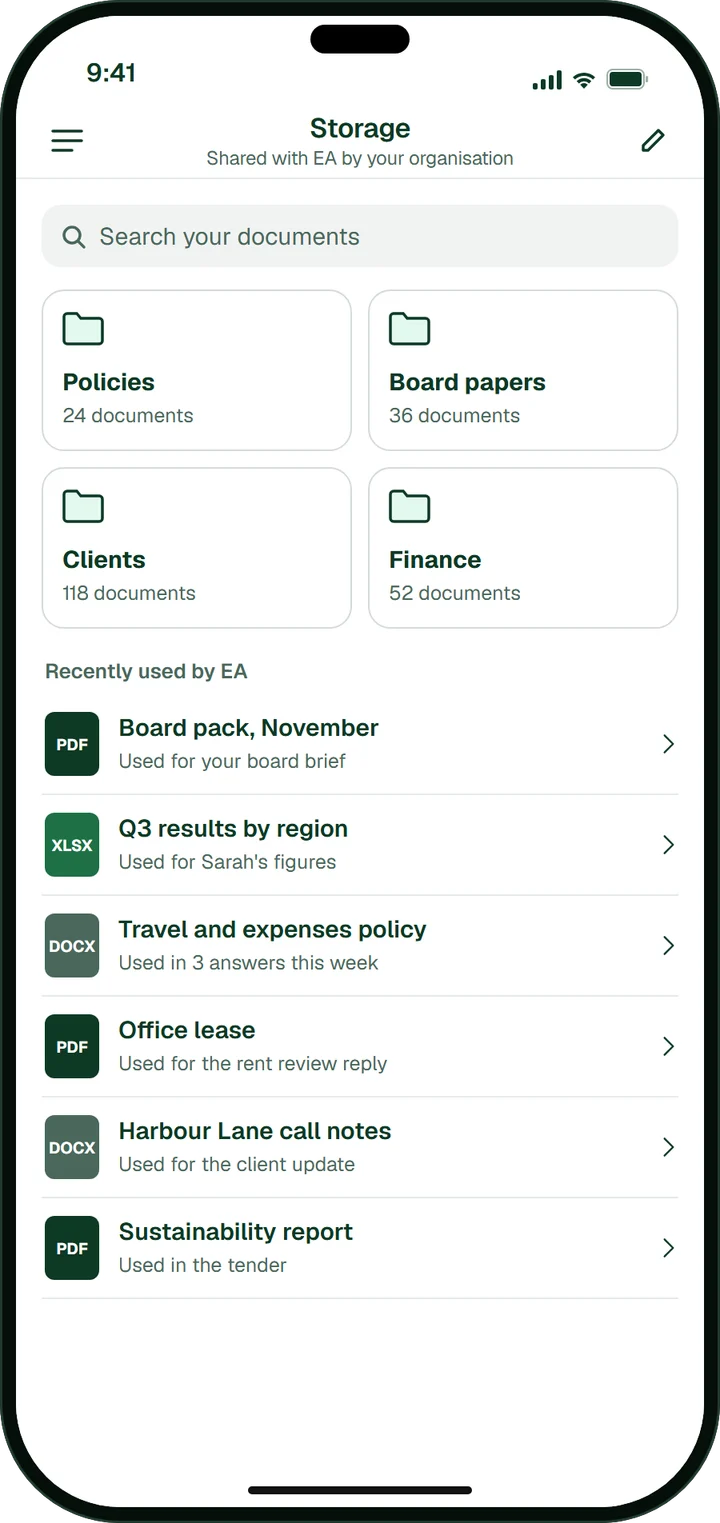
- Your documentsYour documents, one search away.Everything your organisation shares with EA.
What the app does
The EA your team uses at their desks, in your pocket.
The app works from the same documents your organisation has shared with EA, so an answer on the train has the same sources as one at your desk.
Ask it
- Snap it, ask it
Take a photo of a printed page, a form or a whiteboard, and EA answers it from your own material.
- Ask EA from any app
Share text, a link, a photo or a file from Safari, Mail or Files, and EA opens a new chat with it.
- A new chat in one step
Start one from Shortcuts, Spotlight, Control Center or the Action Button.
- Talk instead of typing
Dictate a question when you’re on the move.
Get the work back
- Every answer has its sources
Each answer names the documents it came from, so you can check any fact with one tap.
- A finished file, not just a reply
EA drafts the RFP answer or fills in the questionnaire, and hands you the Word, Excel or PDF file.
- Your documents with you
Browse and preview everything your organisation has shared with EA.
Carry on anywhere
- Automations wait for you
Scheduled automations, such as a Monday briefing or a weekly report, leave their results in the app.
- The same chat everywhere
Every conversation is the same on the web, iPhone and iPad.
- The whole screen on iPad
On iPad, EA uses a two-pane layout.
- Several accounts, one tap apart
Stay signed in to more than one EA account and switch between them in Settings.
Getting started
From the App Store to your first answer.
- 01
Download the app
Get EA free from the App Store, on an iPhone or iPad running iOS or iPadOS 18 or later.
- 02
Sign in
Use your work account, your company’s single sign-on, or Apple, Google or Microsoft. New to EA? Create an account on the sign-in screen.
- 03
Ask, snap or share
Knowledge library & memoryType or dictate a question, photograph a page or share a file into a new chat. Every answer names its sources.
FAQ
Questions about the app.
What people ask before they install EA on a work phone.
Yes. The app works with an EA account. Create one on the app’s sign-in screen, or start a free trial on the web.
iPhone and iPad, on iOS or iPadOS 18 or later. On iPad it uses the whole screen with two panes.
No. The app is free to download and works with your EA account; see pricing for the plans.
Your conversations stay private to you and your organisation, and the app has no ads and no tracking. For your IT team, see how EA protects your data.
Yes. Every conversation is the same on the web, iPhone and iPad, so you can start a question on one and finish it on another.


Your next answer, without going back to your desk.
In the demo, we show EA answering from your own documents, with a source for each fact.
Related
Where the app’s answers come from.
- Knowledge library & memoryHolds the documents and approved answers the app answers from.
- AutomationsRuns the scheduled jobs whose results wait for you in the app.
- AgentThe agent that gathers, drafts and routes the work for approval.
- Integrations and MCPEA in your inbox, Slack and Teams, and connected to your systems.