
Your First Hour With a New AI Tool: What to Set Up Before Anything Else
A new AI tool can feel pointless on day one, because it knows nothing about your clients, your evidence or your way of working. This article explains which five pieces to set up in the first hour, so the first real task produces something useful.
By EA Team
Contents
A new AI tool feels useless on day one because it knows nothing about your clients, your evidence or your way of working. It answers generally, and general answers do not survive a client's review. The fix takes less than an hour, and it is worth doing before anyone judges the tool.
This article covers the five pieces to set up before a new AI tool is used for real work: the workspace, the approved evidence, the connected sources, the reviewers and approvers, and one real task run end to end. It is worth doing in the first hour because a tool that knows your work answers like part of the team.
Set up the workspace first
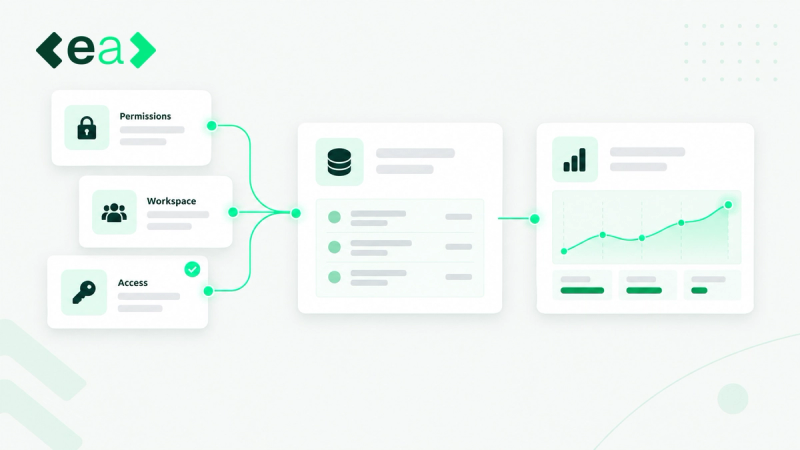
Start by deciding where the work lives. A workspace is the container for a set of documents, answers and people, and it is the boundary that keeps one client's material away from another. For most bid teams, a shared workspace for company-wide content sits alongside a separate workspace for each major client or matter.
Create the workspaces before you upload anything, and name them so a colleague can tell what each one holds. Link each person only to the workspaces their role needs. This is the step most often skipped in a rush, and it is the one that is hardest to unpick later. Limiting what each colleague's assistant can see explains how the roles fit together.
Load the approved evidence
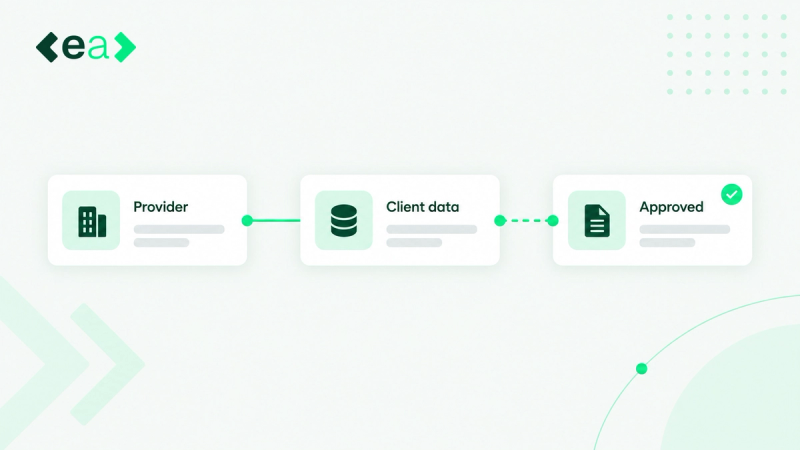
An assistant can only draw on what you give it. Upload the documents your team already trusts: the current information security policy, the latest certificates, the company profile, the standard insurance letter and a recent set of signed policies. Choose the approved version of each, and leave the draft in someone's inbox where it is.
Not every file in your shared drive belongs in the tool on day one. Drafts that have not been reviewed, old versions superseded by a newer approval, and documents that contain personal data about staff or clients should wait until someone has decided how they will be used. A smaller, cleaner set of approved documents gives better answers than a large folder of mixed quality.
Check the upload by asking the assistant a question you know the answer to. If the reply cites the wrong version or no source, fix the evidence before going further. Then write a short note in the workspace saying what has been uploaded, which version it is, and who approved it, so a new starter who asks where an answer came from can follow the trail without asking a colleague to remember.
Connect the places where documents already live
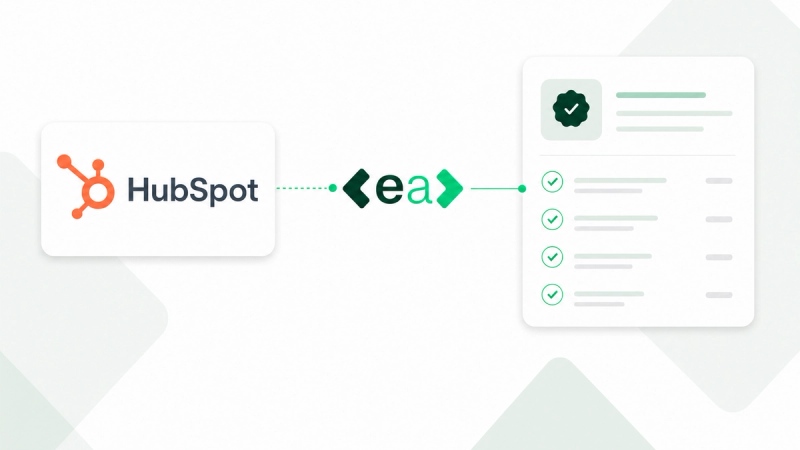
Most teams keep their approved material in a shared drive or a document library, spread across more than one place. EA connects to SharePoint, OneDrive, Google Drive, HubSpot, Slack and Teams, so the documents can stay where they are and still be used. In the first hour, connect the one source that holds the most approved content, and check that the files that arrive carry the permissions you expect.
Connecting a source is a decision, and it should be made by the person who owns that source. Managing connectors, permissions and file access with the SharePoint example walks through the steps and the checks worth running.
Agree who reviews and approves
Before the first real task, name the people who will review and approve output. Named reviewers and approvers can comment on answers, so the review path should be agreed in advance. A bid manager may approve commercial answers, the information security lead may approve technical ones, and the compliance lead may sign off certifications.
Write the path down in the workspace, so a new starter can see who does what without asking. A tool that produces a draft in seconds is only as fast as the approval that follows it, and an unclear approver is the most common reason a draft sits for days.
Run one real task, end to end
The best test is a real piece of work, chosen with care. Pick a short questionnaire with a deadline that is not urgent, and run it through the whole path: assignment, drafting, review, approval. Watch where the process slows down and where a question stalls for lack of a source or an owner.
The first answers will need editing. That is normal, and it is useful. Each edit tells you something about the evidence, the question or the review path, and the team can fix the source each time. Agree with the team that the first week is for learning how the tool handles their questions, and that the measure of success is a sound answer and a clear record.
Roll the tool out through the channels people already use
Your colleagues will not all work in the same place. Some prefer to start in the app, others in Slack or Teams, and some will approve from email. EA's agents work inside Slack, Teams and email, so a reviewer can respond in the channel they already use. Introduce each channel to the team with one example, so the first time someone sees a request from the agent, it is familiar.
How to use the EA browser plug-in is worth adding to the same session if your team completes questionnaires in external portals, because it lets a contributor carry approved answers into the portal without copying them by hand.
Review the set-up as the team settles in
The configuration you agree in the first hour will change. Hold a fifteen-minute review at the end of the first week: ask what answered well, what needed more evidence and what stalled on approval. Make one change for each finding, and note it in the workspace so the next starter inherits the improvements.
Then schedule a short review each quarter. New clients, new reviewers and new source documents all affect the workspace, so check the workspace links, the approved evidence and the reviewer list, and remove anything that no longer applies. A workspace that is kept current stays trustworthy, and a colleague who joins next month can rely on it.
Give the tool a fair test
A new AI tool earns its place when it works on your work. Set up the workspace, load the approved evidence, connect the source where documents already live, name the reviewers and run one real task end to end. An hour of set-up turns a generic assistant into one that answers from your material, and it gives the team a fair test of whether the tool helps.
If you are setting up EA for a team, book a demo and we can walk through the first-hour checklist with your administrator, using one of your own questionnaires.
Filed under Using EA, 3 November 2026All posts