The EA browser plug-in brings your EA Agent directly into your browser, so you can use EA to complete tasks on any web page without switching between applications.
The plug-in is available from the Google Chrome Web Store and can be downloaded for both Google Chrome and Microsoft Edge.
Once downloaded, the EA plug-in will appear as a pop-up in the side window of your browser and will be available on any web page.
This means you can use an EA Agent to support you with tasks you are completing online, including filling out forms, finding information, and working through multi-page processes.
Using EA to Complete a Web Form
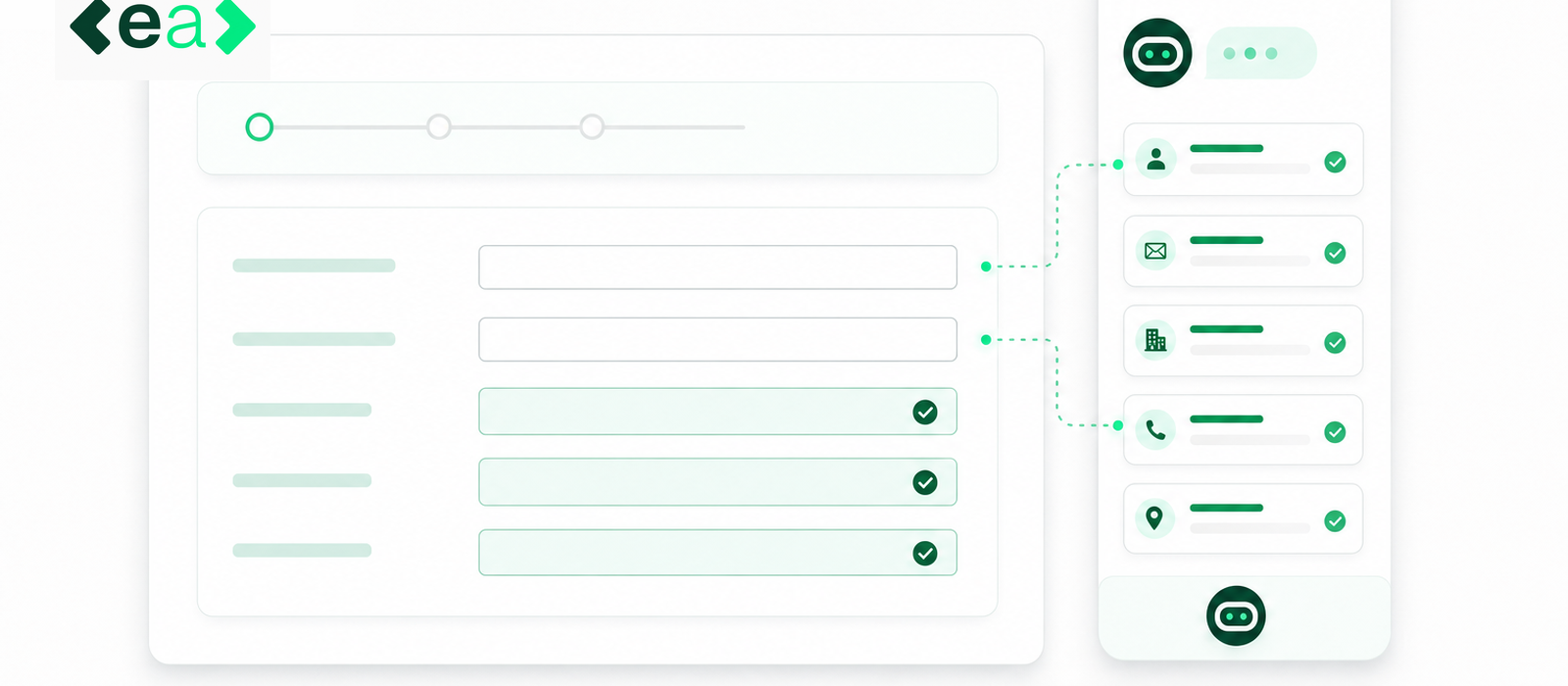
For example, if you need help completing a web form, you can simply ask an EA Agent to help through the chat function within the browser plug-in.
The agent can use the information about you or your organisation stored within your EA account to complete the form for you.
Before it begins, the agent will ask for permission to control your browser window. Once you give permission, it can work through the form on your behalf, moving between pages as needed.
If the agent comes across a question it does not have the answer to, it can ask you for more information through the chat. You can provide the answer, and the agent can continue completing the form.
Once the form is complete, the agent will return control of the browser to you, leaving you with a completed form ready for your review.
Take EA With You Across the Web
The EA browser plug-in makes it easier to bring your AI Agent into the work you already do online. Whether you’re completing a form or handling another web-based task, EA can use your organisation’s trusted information to help get the work done.
With EA working directly in your browser, you can spend less time switching between tools and more time moving work forward.
Watch EA's browser plug-in demonstration video for more use cases, book a demo, or try it free now.