
Document Handover: Passing Approved Answers to the Next Team
A response is finished, but someone still has to copy it into the next team's system, and copying is where errors creep in. This article explains how to hand over approved answers cleanly and how EA keeps the approved version in one place.
By EA Team
Contents
A sales team wins a deal after a long questionnaire response. The approved answers sit in a document on the bid team's drive, and the account manager needs the security and data-protection answers in the customer's onboarding folder, the commercial terms in the CRM record, and the reference list in the account plan. Each is a copy-and-paste job. She works through them on a Friday afternoon, and at one point pastes an answer from the version before the last review round. Nobody notices until the customer asks why the retention period differs from the contract.
This article covers why copying creates errors, what the next team actually needs, how to keep the answer linked to its approval, and how to check a handover once it lands. The aim is that a finished answer reaches the next team in the form the reviewers signed off.
Why copying creates the errors
A copied answer loses its context. The approved wording arrives in the destination without the status that says it was signed off, the name of the approver, or the source it was drawn from. If the person copying is careful, they will copy the right text, but they cannot see whether that text is still the latest approved version. The receiving team then has to trust the copy, and nobody checks it against the original.
Copying also repeats across teams. A single response may feed the sales record, the onboarding pack, the account plan and the renewal tracker. Each destination is a place where the answer may be edited, abbreviated or reformatted, and those changes are rarely recorded. Over a year, the same policy can exist in four slightly different forms.
Deciding what the next team needs
Before deciding how to hand over an answer, decide what the next team needs from it. Usually the answer text is only part of it. They also need to know whether the answer is approved, who approved it, which document it relies on and when it was last changed. A handover that carries only the text forces the receiving team to ask those questions again.
Different teams need different shapes of the same answer. A sales operations team may need a short approved summary and the status field for the CRM. An onboarding team may need the full wording of the security answers, with the policy reference attached. A renewal manager may only need to know which commitments changed since the last submission. Write the format down as a short table in your bid plan: destination, what it receives, the approver it relies on and the person who checks it.
Keeping the link between answer and approval
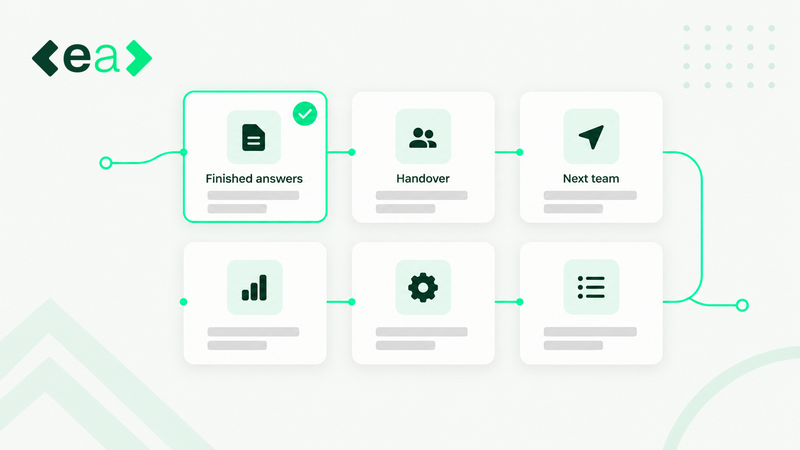
The safest handover keeps the answer linked to its approval. Where the answer lives in a system that records approvers and history, the next team can open it and see the same status the reviewers saw. Where the answer is copied into a document, that link is lost, and the handover becomes a matter of trust.
This is also where cross-team communication breaks down. The sales team may assume the approval covers everything, while the onboarding team assumes the answer is a draft to be tidied up. Keeping the status with the answer makes that assumption explicit. It also settles which version moves: only the approved version, and if a later change is made, the handover is repeated in full.
How EA supports the handover
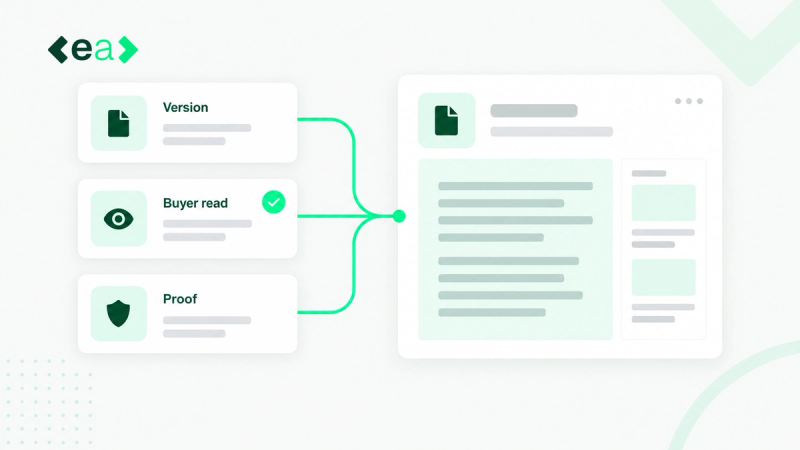
EA holds each answer with its status, named approvers and version history, so a finished answer can be passed on with its approval trail intact. The next team sees the approved state, with the approval trail attached. Because EA answers from approved documents and shows its sources, the origin of each answer stays visible as it moves.
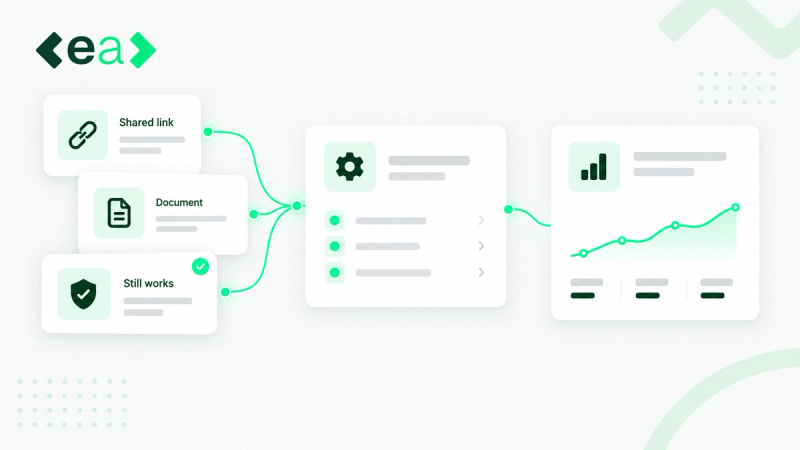
Where the destination is a connected system, the connector work is set up once, and the team does not need to repeat it for every bid. Our article on connecting EA to HubSpot describes how that works for the CRM side of the handover.
EA also connects to SharePoint, OneDrive and Google Drive, so the approved file can sit in the folder the next team already uses. Permissions for those locations matter, and our guide on managing connector permissions and file access with SharePoint explains how to set them up so the right people see the right files.
Where a destination is a customer's own portal, the team may still need to enter answers by hand. The browser plug-in can help with that step, and our article on how to use the EA browser plug-in covers how it fills external portals. Entering an answer into a buyer's portal remains a step a person should check, because the portal may use a different format.
Checking the handover after it lands
The receiving team should confirm the handover in a single sentence. For example, "Security answers received at version 4, approved by the information security lead on the date shown." That confirmation closes the loop and gives the sending team a record of what was handed over. It also catches the case where the destination is working from an older version, because the version number will not match.
Before a team relies on a handed-over answer, have one person compare the destination with the approved source for a few items. That check takes minutes and catches the copy that drifted. If a change is made after the handover, repeat the process in full, because a repeated handover keeps every destination pointing at the same approved answer.
Where this leaves your handovers
The end of a bid should not depend on a clipboard. Passing a finished answer to the next team in its approved form, with its status and sources, keeps the customer's experience consistent and saves the team from re-checking what has already been signed off. EA helps by holding the approved answer in one place, with its approvers and history, and by connecting to the systems where the next team works.
Make a list of the three places a finished answer is copied to after your next submission, and note what each team needs to see with it.
If approved answers are still being pasted between systems after every bid, book a demo with EA and bring one finished response, so we can show how the approved version, its approvers and its sources travel together.
Filed under RFPs, Tenders & Questionnaires, 12 November 2026All posts