A client who asks this question wants a record that shows which steps touched their information, who reviewed the output, and which version was finally sent. Build that record as you work, not when the audit letter arrives.
The audit letter arrives after the work is finished
A consultancy has just been appointed to a client's framework agreement, which makes it one of a small number of approved suppliers. Three months into the engagement, the client's assurance team sends a request: list every system that processed their supplier data, and show how each answer in last year's questionnaire was produced and approved.
The consultancy can describe its process in general terms. It cannot show a record for each answer. The people who wrote the drafts have moved to other projects, and the version the client received was edited in an email thread that nobody filed. The work was careful, but the proof of care is scattered across inboxes and memories.
This is a common position for firms that adopted AI in the middle of a busy year. The tool saved time on every draft, but the record of what happened to each draft was never designed as part of the process.
This article sets out what an AI processing record should contain, how to build it into everyday review, and how EA's answer history and citations support it.
What the record needs to show
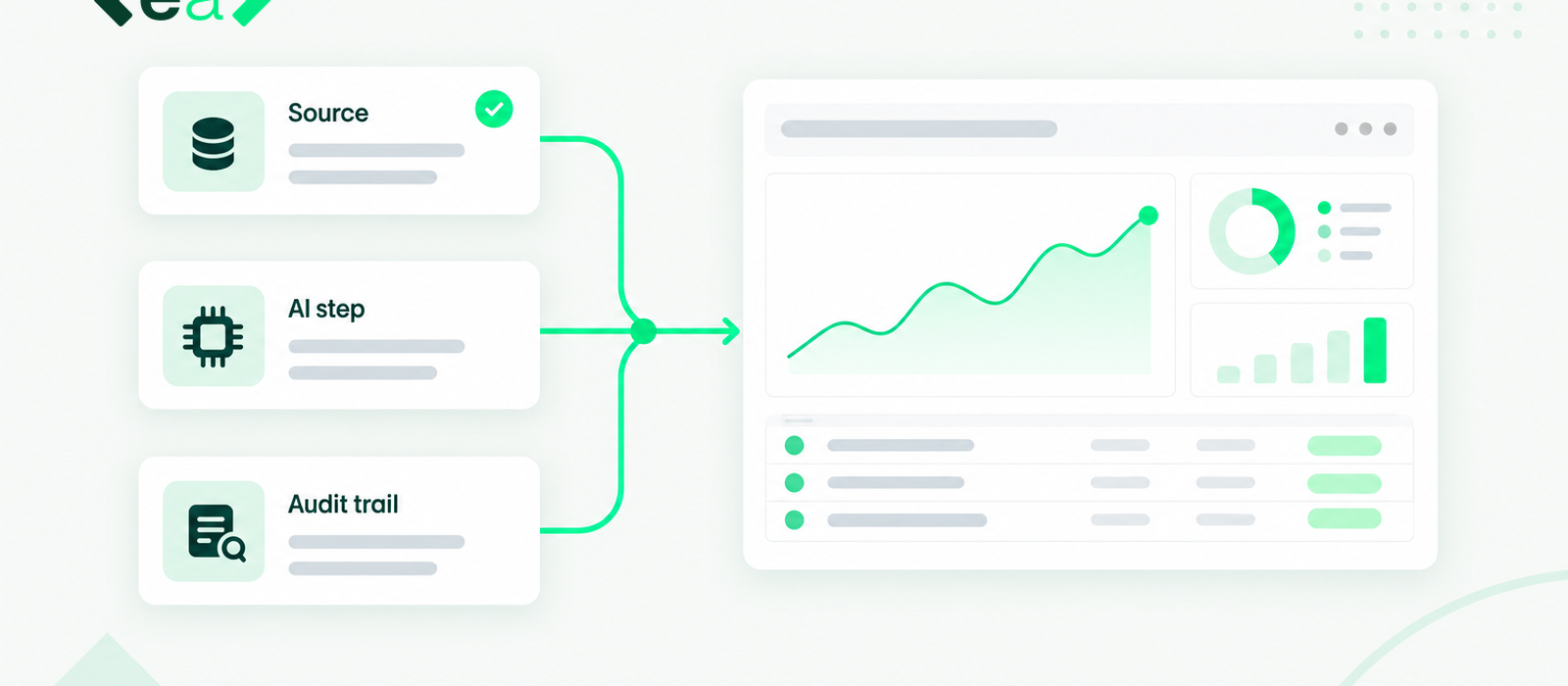
A useful record answers four questions for every piece of client content:
- Source: which approved document or evidence the content came from.
- Processing: which tool, and which model provider behind it, produced or changed the content.
- Review: who checked the content, and what they said about it.
- Version: which version was approved and sent, and what changed from the draft.
Those four questions map onto steps your team already takes. The only change is writing them down in one place, at the time, rather than reconstructing them later.
How EA keeps the trail
Inside EA, the answer is the unit of record. Each answer carries a status, so a reader can see whether it is a draft, has been checked, reviewed or approved. Answers also hold version history, so a change made after review shows up as a change rather than a silent overwrite. Named reviewers and approvers can leave comments on the answer itself, which means the reason for an edit sits next to the edit.
Autofill adds the source trail. It completes questionnaires from approved evidence and shows citations, so each drafted answer points back to the document it used. When an assurance team asks where a figure came from, the reviewer can open the citation rather than searching for the file.
Those features cover the answer-level trail. They do not cover the provider chain, which is a separate record. Keep both. Reviewing evidence with a record explains how to keep the evidence side of the story in order, and tracking evidence history between assessments shows how the same record supports the next review cycle.
Build the record as the work happens
Start with the steps that cause the most questions, usually the questionnaire answers that go to the largest clients. For each one, agree who records the source, who reviews, and where the approved version is kept. Put that instruction in the team's working note, not in someone's memory.
The record fails when it lives in a separate spreadsheet that people update at the end of the month. It works when it sits with the work itself. Answers, comments and version history in one place mean the reviewer who approves a response also records the source they checked, and the record is complete the moment the response is sent.
This is also why status matters. A draft, a checked answer and an approved answer are different states, and a client may ask which state a particular response was in when it left the building. A status that changes only when the work changes gives you that answer without reconstruction.
Then test it. Pick one closed questionnaire and try to rebuild its history using only the record. If you cannot say who approved an answer, or which source it used, the gap is in the process, and it is far cheaper to fix now than during a client audit.
Decide what counts as a step
A record is only as useful as the definition of a step. For AI-assisted work, a step is any point where a tool changed, summarised, translated, scored or drafted content that a client might later read. That includes the first draft, a rewrite for tone, a summary of a long policy, and a check of figures against a source. If the definition is too narrow, the record will miss the step a client cares about most.
Agree the list with the people who do the work. A proposal writer, a compliance analyst and a partner will each think of different steps first, and combining their lists produces a more complete picture than any single view. Keep the list short enough to follow, and review it when a new tool or workflow is introduced.
Prepare the extract before the request
When a client asks for an audit extract, the worst time to design it is under pressure. Prepare a template now: the systems involved, the providers behind them, a list of answers with their source and approver, and a statement of any gaps. Run it once against a closed questionnaire so you know how long it takes and where the information is thin.
Then keep a log of extracts you have given. If a client later asks for something similar, you can see what they received before and stay consistent. Consistency across clients is a quiet form of credibility, and it makes each future request easier to answer.
What to share, and what to hold back
A client usually wants a summary of the process, a list of the systems involved, and the record for the answers they asked about. They do not need every internal comment. Decide in advance what goes into a client-facing extract, and keep the full internal record for your own assurance.
That split protects both sides. The client sees a clear, verifiable process, and your team keeps candid internal records, including any disagreement between reviewers, that help it improve. A reviewer who knows the internal record is kept carefully is also more likely to write comments that are accurate.
Be clear about limits. If a step was not recorded, say so and explain what you have changed. A candid note earns more trust than a reconstructed history that a careful reviewer can spot.
Conclusion
An audit trail is useful only when it exists before anyone asks for it. Recording the source, the processing, the review and the version of every client answer turns a difficult request into a routine export. The work your team already does is the same work. The difference is that it can now be shown.
To see how answer statuses, version history and citations would look for one of your own questionnaires, book a demo with EA and bring a recent client audit request.