
How to Keep Review Comments on the Document
A reviewer raises a concern in a chat message or an email, and the point never reaches the document. Weeks later, someone raises it again. This article explains why side-channel feedback gets lost, and how to keep review comments attached to the answer while still letting people respond where they already work.
By EA Team
Contents
- Why side-channel feedback disappears
- Attach the comment to the answer
- Let the approval travel to the reviewer
- Make the rules visible to the team
- Close each comment with a specific reply
- Recognise the comments worth keeping
- Bring the right specialist into the thread
- Use the record for the next bid
- Keep the review on the record
A senior partner reads a draft response on Monday evening and spots a sentence about a client's data location that does not match the contract. He sends a direct message to the bid manager on Slack: "The data location line is wrong, it should say the EU region." The bid manager is in client meetings all Tuesday, sees the message, and replies with a thumbs-up. The draft is never changed. On Thursday the legal team reviews the same answer, notices the same error, and adds a comment in the document. The coordinator is now holding two messages about one sentence, and she is not sure whether the Slack reply means the change was made. The answer goes out with the original wording, and the partner finds it on the submitted copy.
This article shows why feedback given in chat or email often fails to reach the document, how to attach each comment to the answer it concerns, and how approvals can still reach reviewers in the channels they use. The result is one record of review that the next writer can see.
Why side-channel feedback disappears
A message in Slack or an email is a conversation between two people. It is not attached to the answer it concerns, so the next person to open the draft cannot see it. A thumbs-up looks like agreement but records nothing about what changed. A reply that says "will fix" may be forgotten in the next day's inbox, and nothing in the document reminds anyone.
The cost is repetition. Points raised in side channels come back in a later review, often from someone who did not see the original concern. Each repetition takes time, and it signals to the team that the earlier review was not taken seriously, even when it was.
Attach the comment to the answer
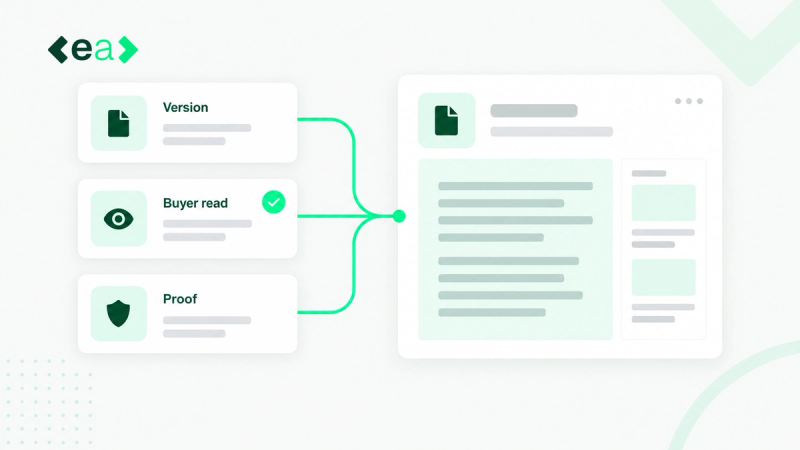
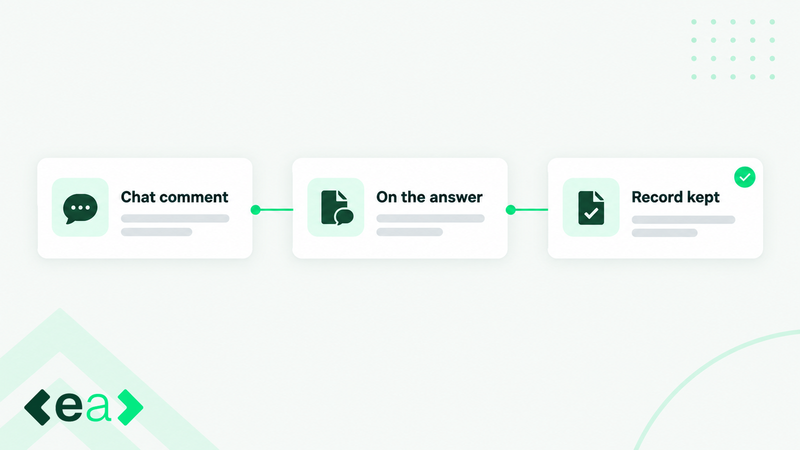
The principle is simple: feedback about an answer belongs on that answer. In EA, named reviewers and approvers can comment on an answer, and the comment stays attached to it. The next person to open the answer sees the concern, the reviewer's name and the discussion around it, without searching a chat history.
Make it a team habit. When a reviewer spots a problem, ask them to comment on the answer, and tell the owner that the comment is there. The owner responds on the answer, and the change is recorded in version history. A reviewer who wants a quick reply can still use the channel they prefer, but the decision should be written back to the answer.
Let the approval travel to the reviewer
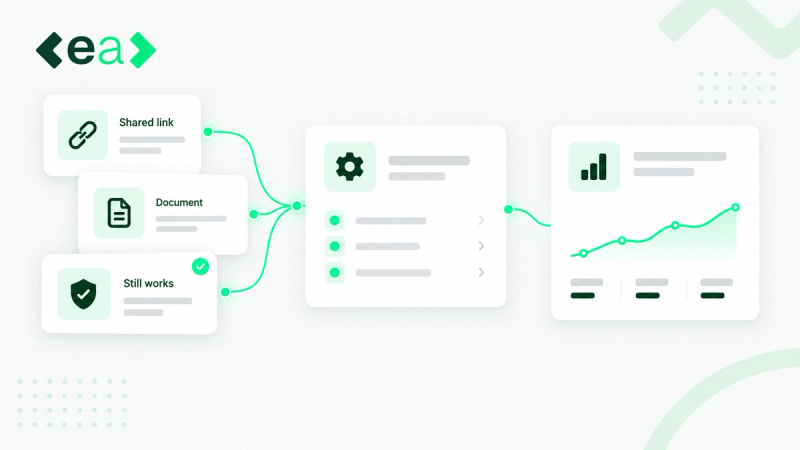
Reviewers are busy, and asking them to log into a separate tool will often mean they do not respond. EA's approval flows run across email, Slack and Teams, so a reviewer can receive a request and respond in the channel they already use, and the response is recorded against the answer. How the EA agent handles external requests and internal approval describes how this routing works in practice.
Make the rules visible to the team
Write down three rules and keep them in the bid workspace. First, feedback on an answer is given on the answer. Second, a reply in another channel is confirmed on the answer within the same working day. Third, a change is marked as made only when the answer shows the new wording and the reviewer has seen it.
These rules are easy to state and hard to follow under pressure, so check them at each bid review. Ask whether any concern raised in the last week was resolved only in a message, and move it to the answer if so.
Close each comment with a specific reply
A comment that has been addressed should be marked as closed, with a note of the change. That step shows the reviewer their point was handled, and it stops someone who only sees the open items raising it again.
The note should say what changed and where. A reply that says "done" makes the reviewer check the whole answer again, while "changed the EU region in the second sentence of the data location paragraph" lets them check one line. Agree who closes comments: in most teams the owner of the answer closes them, once the change is visible in the draft, and the reviewer can reopen a comment if the change does not address the concern.
Recognise the comments worth keeping
Not every remark needs a formal comment. A quick message that says "looks good" does not need to live on the answer. The comments worth keeping are the ones that change the answer, record a decision, or flag a risk the next writer should know about. A useful test is whether someone reading the answer in six months would want to know the point was raised.
Bring the right specialist into the thread
Some review points need an expert, more than an owner. When a reviewer raises a question about a technical control, the owner may not know the answer and may need the specialist to respond. Name the specialist in the comment on the answer, and state the question as specifically as possible. A comment that says "is this still true for the new platform?" gets a faster reply than "check this".
Routing tender questions to a specialist sets out how to match a question to the right expert before it becomes a late-stage comment. Routing early keeps the review moving, and it keeps the reply on the record.
Use the record for the next bid
The comments on an answer become a useful record for the next bid. A concern raised by a reviewer last quarter tells the team where the answer is weak, and the reply shows how it was fixed, so the owner of a similar question can avoid the same error. Over time, the comments show which answers need the most attention, and which reviewers catch the issues that matter.
Keep the review on the record
Side-channel review is natural, and it often comes from people trying to be helpful. The trouble starts when the feedback never reaches the answer. Attach comments to the answer, let reviewers respond where they work, and write each decision back to the record. The same concern then gets fixed once, and the team can see that it was.
If review comments in your team are scattered across chat and email, book a demo with EA and bring one live answer, so we can show how the comment and the approval sit on the same record.
Filed under RFPs, Tenders & Questionnaires, 5 November 2026All posts