
EAOS Is in Closed Beta: All of EA on a Computer You Already Own
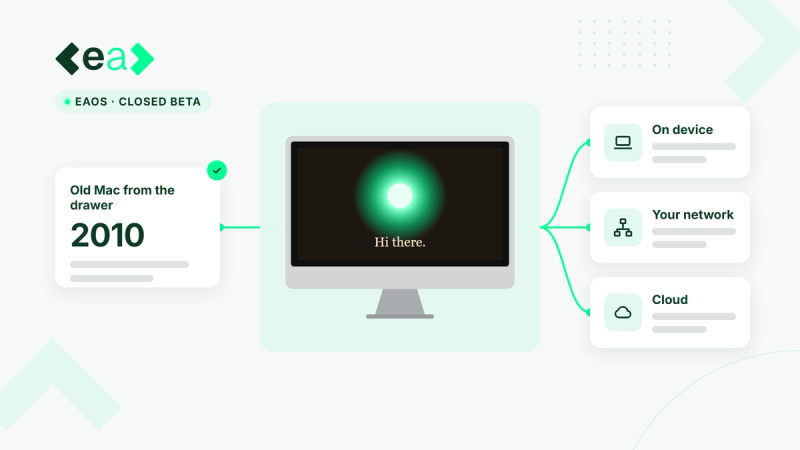
EAOS is a small operating system that starts straight into EA on a computer you already own. Free during the closed beta, it is a proof of concept for our commitment to sovereign control over where your AI runs.
By EA Team
Contents
Today we are opening the closed beta of EAOS. It is a small operating system that does one thing: it starts straight into EA. Switch the computer on, and EA is there, ready to use.
You already use EA on the web, on your phone and in your inbox. EAOS puts all of EA on a single device, and that device can be a computer you already own. It is free during the beta, and we are inviting testers in small batches.
It is also a proof of concept. EAOS shows, on the most modest hardware we could find, that EA does not have to live only in someone else's cloud. You can decide where it runs, on hardware you control.
It started with a drawer of old computers
Most of us have one: a drawer or a cupboard with an old laptop in it. It still works, but its operating system stopped getting updates years ago, so it sits there, written off.
EAOS began with exactly that. At EA, Charles Radclyffe has been testing it on his own collection of old Macs, some of them from 2010. Apple stopped supporting those machines a long time ago. Now he switches one on and EA opens, on hardware that was otherwise heading for recycling.
That is the fun part, and we hope you enjoy it as much as we have.
What EAOS is
Think of EAOS as a very small operating system, like Windows or macOS, but made for a single job. There is no desktop and no clutter. It starts into EA, and you sign in once.
- Built for older machines. It is lightweight and asks very little of the hardware. It is aimed at Intel Macs from about 2010 onwards, and we have also tried it on a few Dell laptops that cannot move to Windows 11.
- Try it before you commit. You can run EAOS from a USB stick without changing anything on the computer's own disk. Installing it is a separate, deliberate step.
- Looks after itself. EAOS checks for signed updates on its own, so there is nothing to maintain.
- The Orb. A small glow on the screen tells you at a glance whether EAOS is connected and well.
It is a beta, so expect rough edges. Not every model has been tested yet, and we would rather tell you that plainly than promise more than we deliver.
A proof of concept for sovereign control
Bringing an old Mac back to life is a good story, but it is not why we built EAOS. We built it to prove a point we care about: organisations should have sovereign control over their AI. That means deciding where it runs, on whose hardware, and under whose rules.
Most AI tools give you one choice: their cloud, on their terms. EAOS is our demonstration that EA works differently, and it rests on three commitments.
- Sovereign control. You choose where EA runs and who owns the machine it runs on. The hardware can be yours, on your premises, under your control.
- A local architecture. EAOS squeezes EA's full platform onto a single device. AI can run on the device itself, or on another machine on your own network, so the work does not have to leave the building to happen.
- Flexibility. The same core runs underneath at every scale: one old laptop, a server in your office, a hybrid set-up, a private cloud or a public one. You can move the work between them as your needs change, and the experience stays the same. Only the speed changes.
Our testing shows that flexibility in miniature. On a 2010 laptop, AI running on the device itself is slow. Point that laptop at an old Mac Pro on the same network, and it flies. Nothing about EA changed: only where the work happened.
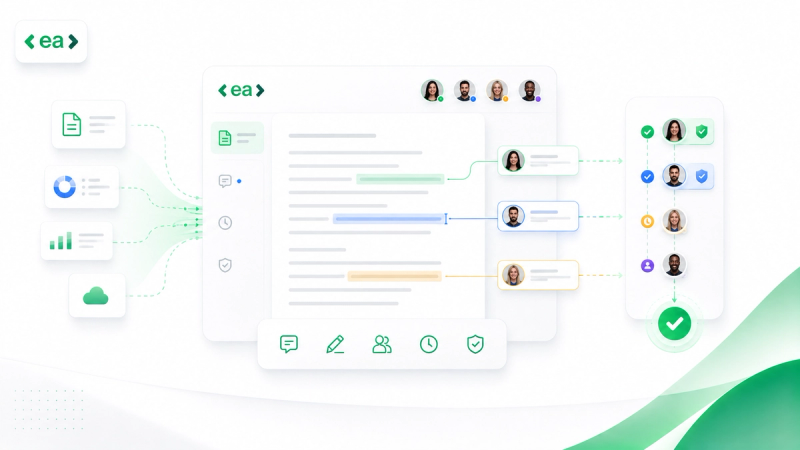
What stays fixed, wherever EA runs, is the governance. Your sources, reviews and approvals stay attached to every answer, with a record of who checked what and when.
If EA runs well on a drawer of written-off Macs, it can run on the hardware you choose. Owning your own compute is our focus for 2027, and EAOS is the first proof that it works.
What you need to take part
- A Mac to make the USB stick. Intel or Apple Silicon, running macOS 10.13 High Sierra or newer, with about 10 GB free.
- A blank USB stick or SD card, 8 GB or larger. Everything on it is erased.
- The old computer. A 64-bit machine that starts up using UEFI, with Wi-Fi or a network cable to sign in to EA.
- A little patience. The first build takes a while, and a progress bar shows you how long is left.
Your beta invite brings the download and the install steps.
How to join
Charles has written up the whole journey on LinkedIn, including the machines it runs on and how to get a place. Read Charles's post on LinkedIn, and leave a comment there: commenters move up the waiting list.
Not on LinkedIn? You can join the EAOS waiting list directly, and we will email you when your place opens.
Filed under EA News, 24 November 2026All posts