Responding to RFIs, RFPs, and tenders can be overwhelming. Deadlines are tight, questions are repetitive, and coordinating with multiple stakeholders often slows everything down. According to industry benchmarks, the typical turnaround for RFP responses ranges from 6–20 days, and some are rushed out in less than 48 hours.
But here’s the good news: writing a winning RFP response doesn’t have to be stressful or time-consuming. With EA, you can end copy-and-paste forever. EA’s AI automatically reuses your best past answers, drafts new responses, and manages reviews—all in minutes, not weeks.
Here’s how to streamline your process and write winning RFP responses with EA in just 4 simple steps.
If you want to understand the bigger shift behind this change, explore how AI in bid management is moving teams from burden to breakthrough.
Step 1: Upload Your RFI, RFP, or Tender
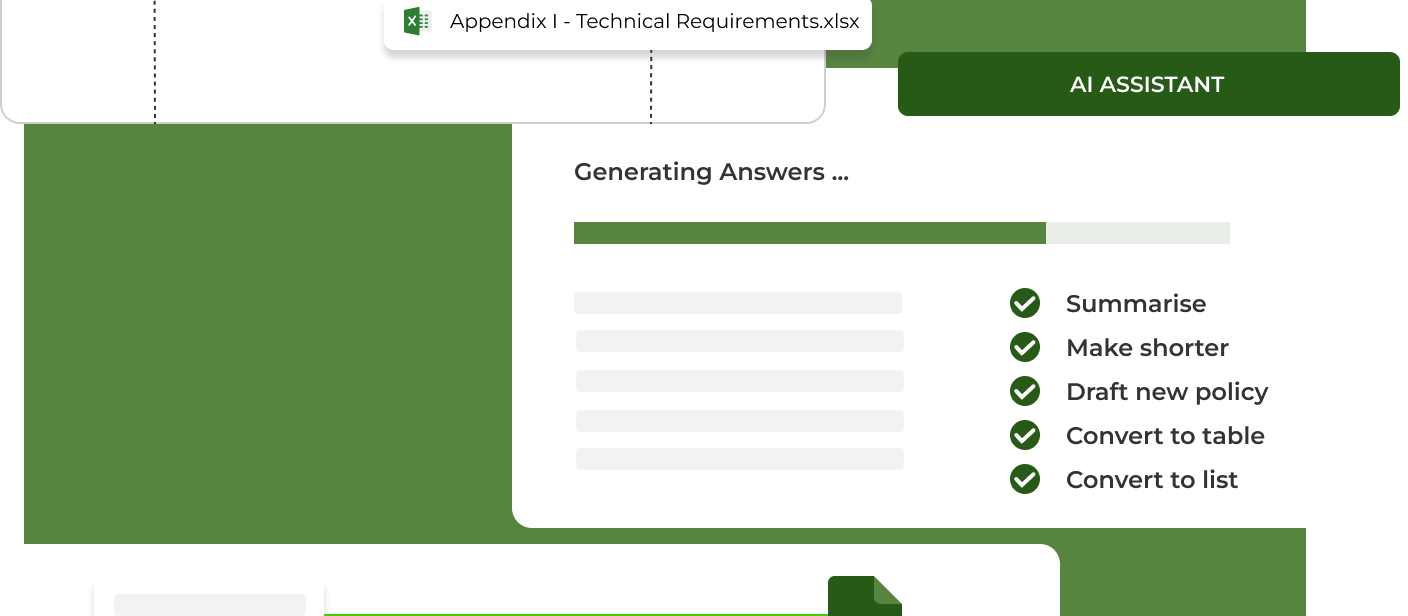
Forget manual formatting and messy spreadsheets. Simply upload your RFP in any format to EA. The AI scans the questions and automatically matches them to your existing answer library, instantly populating approved responses.
This means no more searching through old documents or retyping the same answers. EA ensures every question starts with your most relevant, up-to-date content.
Prefer working directly in your browser? Use the EA Browser Plugin to capture and autofill RFI, RFP, and tender questions directly from online portals, without downloading or reformatting documents.
Step 2: Autofill and Draft New Responses
Where no past response exists, EA generates tailored answers using your company’s knowledge base and tone of voice. Drafts are accurate, on-brand, and evidence-backed.
Need adjustments? Use EA Chat to collaborate directly with the AI, refining responses until they’re perfect for your prospect.
Step 3: Collaborate and Approve
Great RFPs aren’t written by one person—they’re team efforts. With EA, you can:
- Assign questions to subject matter experts (SMEs)
- Set deadlines and send automated reminders
- Track every change and approval for accountability
This ensures that every answer is accurate, approved, and aligned with your company’s standards without the email chaos.
Step 4: Download and Submit
Once reviewed, download the completed form and send it back to the client. The best part? Every newly approved answer is automatically stored in EA’s library with built-in expiry dates—so your responses stay fresh and can be reused in the next RFP.
That means each RFP gets faster and easier over time.
Request a demo and see how EA streamlines your RFP process end-to-end.
Why Use EA for RFIs, RFPs, and Tenders?
- Automatic Answer Reuse – Eliminate copy-and-paste by instantly reusing approved responses
- Faster Response Generation – Generate new, tailored answers in your company’s voice
- Effective Collaboration – Assign, review, and approve answers seamlessly within the platform
- Audit-Ready Transparency – Track approvals and changes for accountability
EA isn’t just faster. It helps you submit higher-quality, more consistent, and more compelling proposals.
Conclusion: Winning Proposals Made Easy
Writing RFP responses has traditionally been a slow, resource-heavy process. But with AI automation, you can cut through the complexity.
With EA, your team can:
- Respond in days, not weeks
- Ensure accuracy and consistency
- Free up time to focus on strategy, not admin
The result? Stronger proposals, faster turnarounds, and more wins.
Ready to transform your RFP response process? Sign up to try EA today.
Related Articles
How AI in bid managementis moving teams from burden to breakthrough
How AI is changing the B2B sales process
Read More