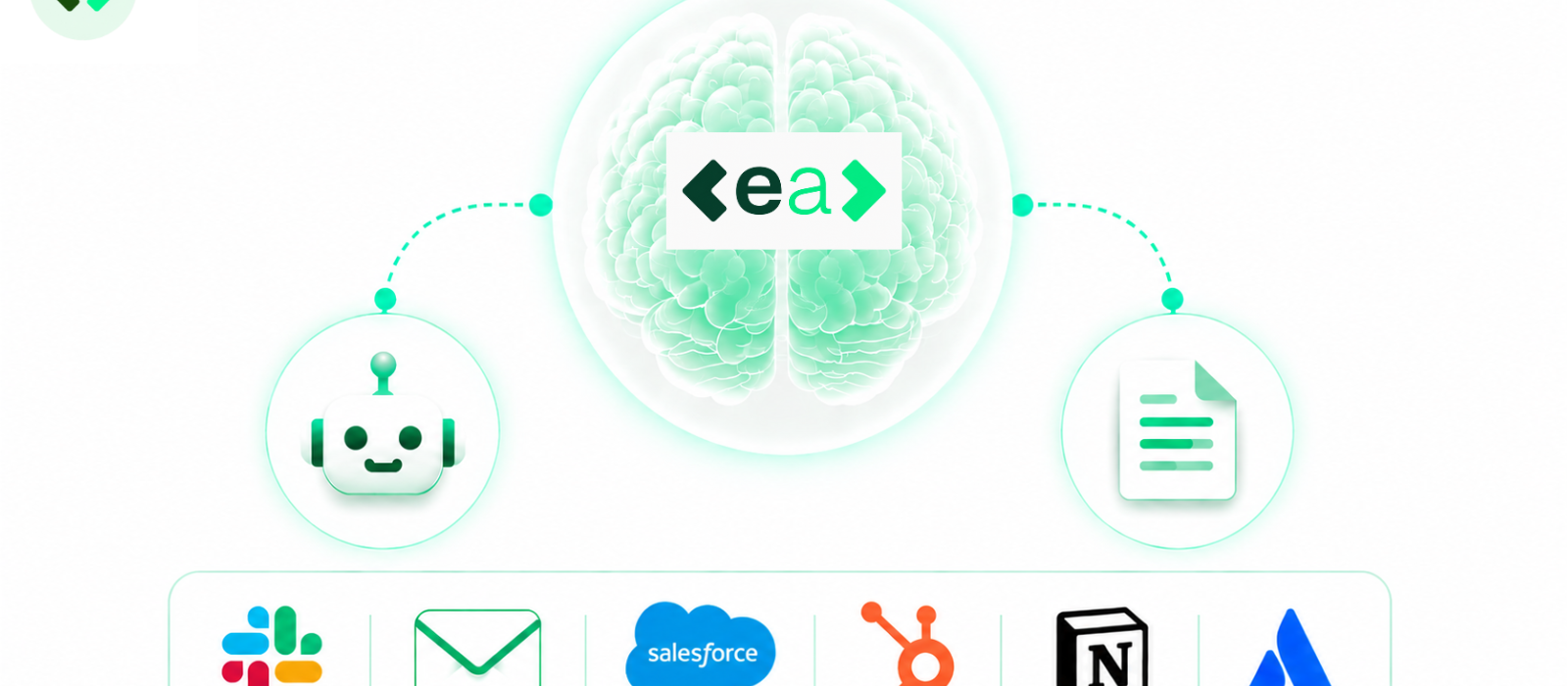
As one member of the EA team explained it, when we work, we have one brain, and the tools that we use are our limbs. Our brain processes information, makes decisions, and determines what needs to happen next. Our hands then carry out the actions required to get the job done.
With EA, our Agents work in the same way. At the centre is EA, acting as the brain. Connected to it is an Agent designed to carry out work on your behalf.
Together, they transform EA from a platform you visit into an intelligent assistant that can access information, analyse documents, and complete tasks across the systems and channels your team already uses every day.
The Agent: Your AI Assistant
Think of the Agent as your everyday assistant.
Unlike a traditional chatbot that simply answers questions, the Agent can actually carry out work for you. It has its own workspace and memory, allowing it to manage multi-step tasks from start to finish.
You can interact with it through EA Chat, Slack, or even email, meaning support is available in the places that your team already works. Rather than switching between applications to access another tool, employees can ask for help, retrieve information, and delegate tasks without disrupting their existing workflow.
Agents support MCP connections to a growing range of data sources, including Salesforce, HubSpot, Notion, Atlassian, and many more. By connecting EA directly to the systems your organisation already relies on, the Agent gains access to the context it needs to provide more relevant answers, retrieve information, and carry out tasks more effectively.
You can ask your EA Agent to:
- Pull information together into a document
- Analyse files and attachments
- Answer questions using your Knowledge Base
- Retrieve information from connected platforms such as Salesforce, HubSpot, Notion, and Atlassian
- Complete tasks that require multiple steps and sources of information
Rather than giving you instructions on how to complete the work yourself, the Agent does the work for you.
From Attachment to Action
The most significant part of this process is that you don't even need to open the EA platform to set it in motion.
Imagine receiving a questionnaire by email. Traditionally, you would download the attachment, upload it into another platform, initiate the process manually, and move between systems as each stage progressed.
With EA, you can simply forward the email to the Agent and ask it to complete the form.
The Agent analyses the document, identifies the questions, generates answers using your Knowledge Base and relevant sources, and prepares the file for review. Once the questionnaire is ready, you'll receive an email letting you know it's prepared, along with a link back to the platform. Quite simply, put an empty form in, and get a completed draft out.
The same principle applies to other files, too. You can ask the Agent to analyse attachments, pull information from documents, or upload files into your Knowledge Base all without ever interrupting your workflow.
Instead of managing every step yourself, you make the request and let EA handle it.
Designed Around the Way You Already Work
Many workplace tools promise efficiency but require teams to learn entirely new systems before they can realise any value. Employees have to adopt new interfaces, remember to use another platform, and adjust long established ways of working. EA Agents take a different approach.
Because they operate through the channels that your teams already use, such as email and Slack, they integrate naturally into existing workflows. There are no complex processes to understand or entirely new ways of working to adopt.
The technology adapts to your team, rather than expecting your team to adapt to the technology. The value of EA Agents isn't just what they can do, but how effortlessly they become a part of the way that your team already works.
But, don’t just take our word for it. Book a demo here to explore how EA Agents can transform your workflow.